
PAN Card Photo Resizer Online – Passport & Govt ID Size Tool
Use this PAN card photo resizer online to resize images for
PAN card, passport, Aadhaar and other Indian government forms.
Resize photos instantly with exact dimensions, aspect ratio and file size –
directly in your browser.
PAN Card, Passport & Government Photo Size Requirements (2026)
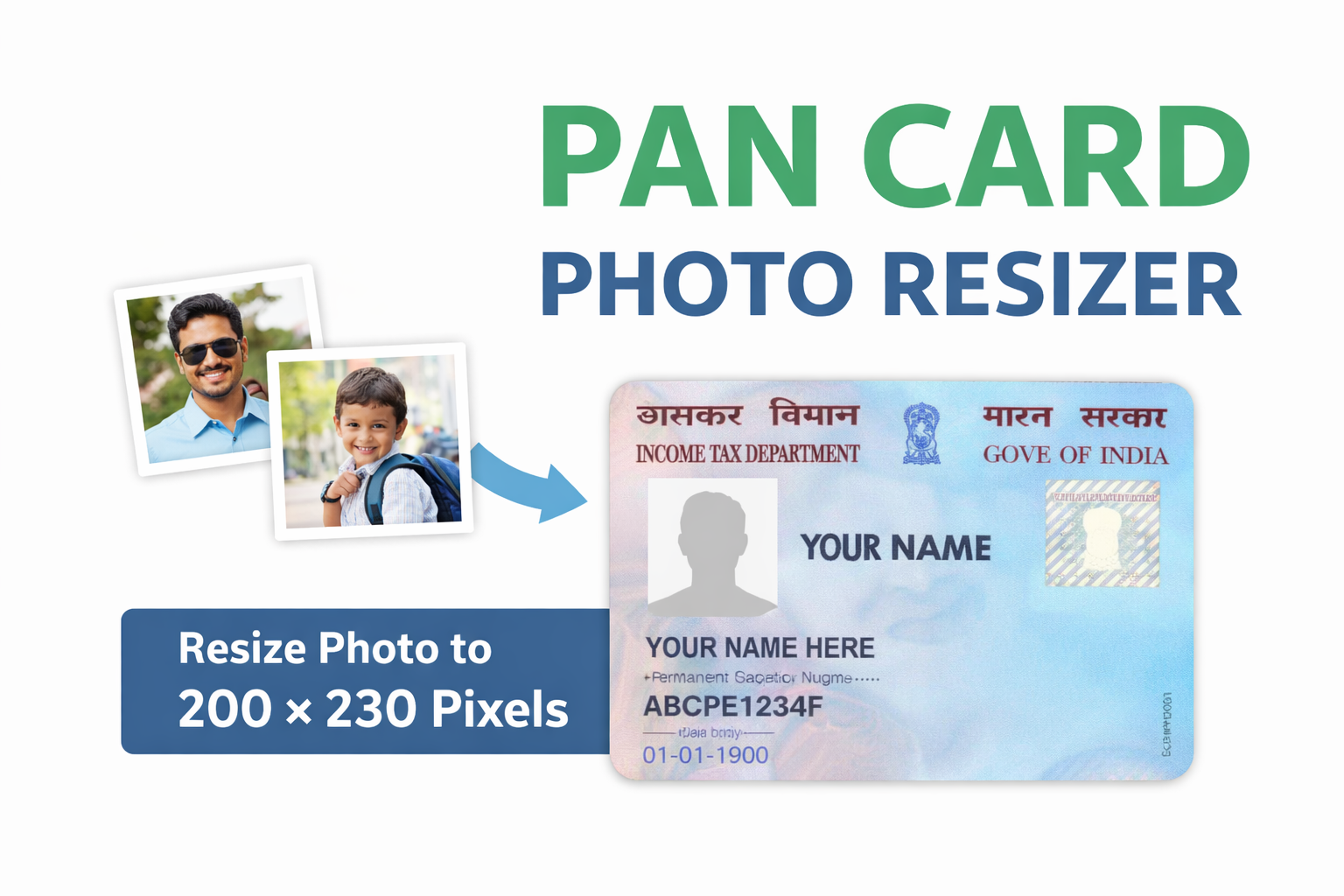
Indian government forms require photos in strict sizes.
Uploading the wrong photo size can cause rejection of PAN card,
passport, SSC, UPSC or Aadhaar applications.
This govt photo resizer helps you resize photos online
according to official dimensions without visiting a studio.
- PAN card photo size: 200 × 230 pixels (JPEG)
- Passport photo size: 413 × 531 pixels
- Aadhaar photo size: 600 × 600 pixels
- SSC / UPSC photo size: 240 × 320 pixels
How to Resize PAN Card Photo Online (Step-by-Step)
Follow these simple steps to resize your PAN card photo online for free:
- Upload one or multiple images from your device
- Select PAN card photo size or any govt preset
- Keep Maintain Aspect Ratio enabled
- Click resize to preview the photo
- Download or compress image as per form requirement
Why Use This Online Photo Resizer?
Unlike many online tools, this photo resizer works entirely in your browser.
Your images are never uploaded to any server, ensuring complete privacy.
This makes it ideal for sensitive documents such as PAN card,
passport and government ID photos.
Frequently Asked Questions (FAQs)
What is the correct PAN card photo size?
The PAN card photo size should be 200 × 230 pixels
in JPEG format as per government guidelines.
Can I resize passport photo online for free?
Yes, you can resize passport photo online for free using this tool
without watermark or signup.
Is this govt photo resizer safe?
Yes. All resizing and compression happens locally in your browser.
Your photos are not uploaded or stored anywhere.
Can I resize multiple ID photos at once?
Yes, this tool supports multiple image upload and batch resizing.